
Microsoft Teams integration - AirSaas
Effortlessly keep your teams up to date on project progress.
Avoid re-keying information and keep everyone in the loop
Not all colleagues are on AirSaas, and you need to involve key users in your projects.
Connect your AirSaas project to the Teams channel of your choice.
Important posts on that project can then be pushed to Teams: decisions to be made, meeting notes and wins get shared with the channel's members.
When a decision is made, an attention point resolved, or the project weather changes, the message is shared to your Teams channel too.
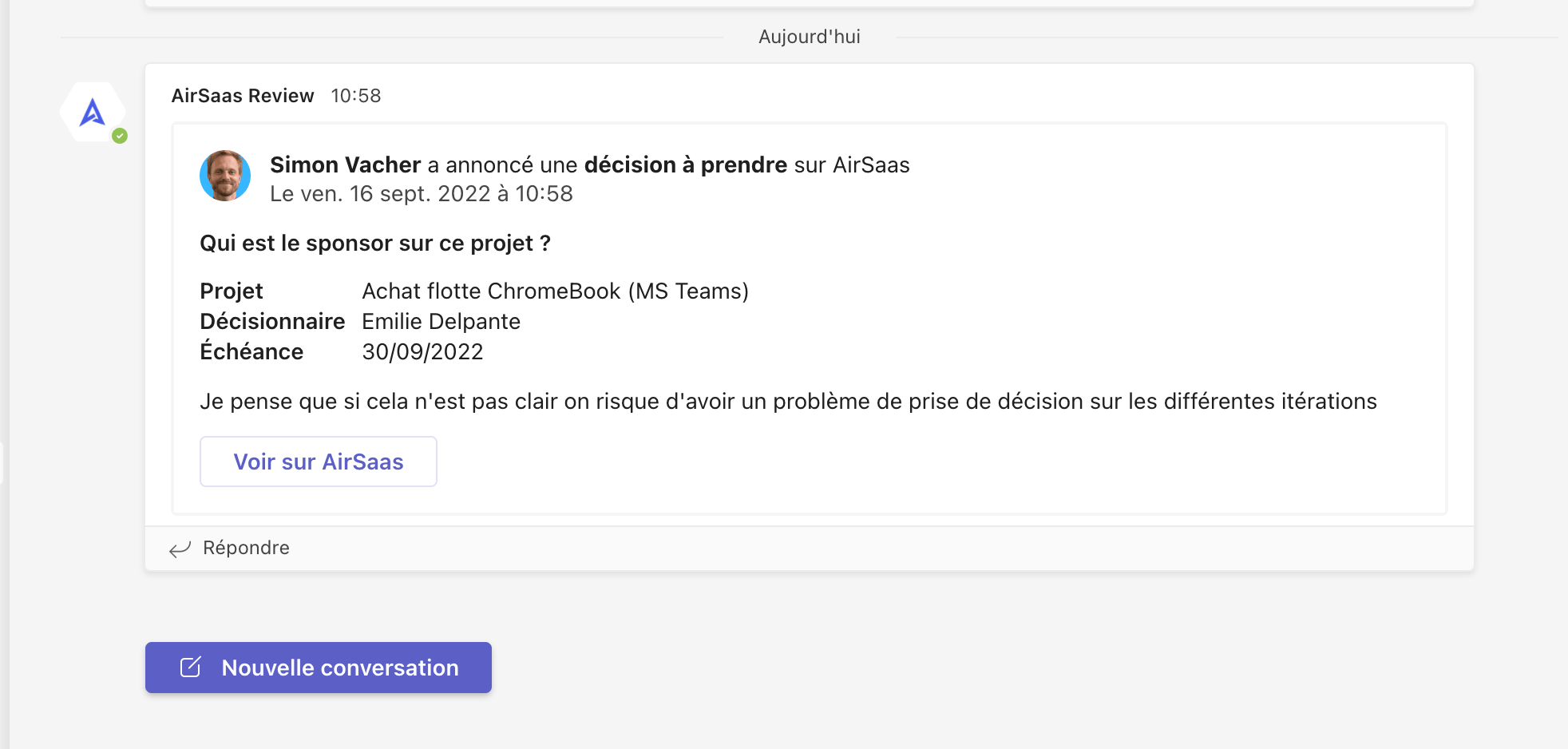
Only the posts you choose to share on Teams are synced; the others stay available in AirSaas.