October 8, 20217 min readBertran Ruiz
Project Management KPIs: The Complete Guide


Contents
To boost your chances of success, you need to keep tracking your project throughout its execution. Project tracking is about making sure your project is unfolding as planned — and adjusting your strategy when it isn't.
Project management KPIs are essential to this task: they're what let you make your project tracking objective by putting numbers on your performance! They should appear in the project status report you send to the various stakeholders at regular intervals.
What are KPIs?
KPIs (Key Performance Indicators) are used to measure the performance of your projects.
These quantified indicators obviously let you know how far along you are against your objectives — but above all, they help you spot the aspects of your project where you're struggling, as well as the ones where you're getting good results!
KPIs often reveal what needs optimizing to improve a project's execution. They are the strategic guardrails of project management!
That makes KPIs a huge help in steering your project: they give you an instant snapshot of your project's status at any given moment!
And the information your KPIs provide will guide your decisions: if the KPIs are good, do nothing; if they show you're underperforming, take corrective action!
While some KPIs are commonly used across many companies, the ideal is still to tailor them to your team and your project.
Indicators are generally grouped into four types:
- cost KPIs: to check that you're not exceeding your project's budget limits
- time KPIs: to make sure you're meeting your project deadlines and avoiding delays
- quality KPIs: to monitor the quality of your team's work throughout the project
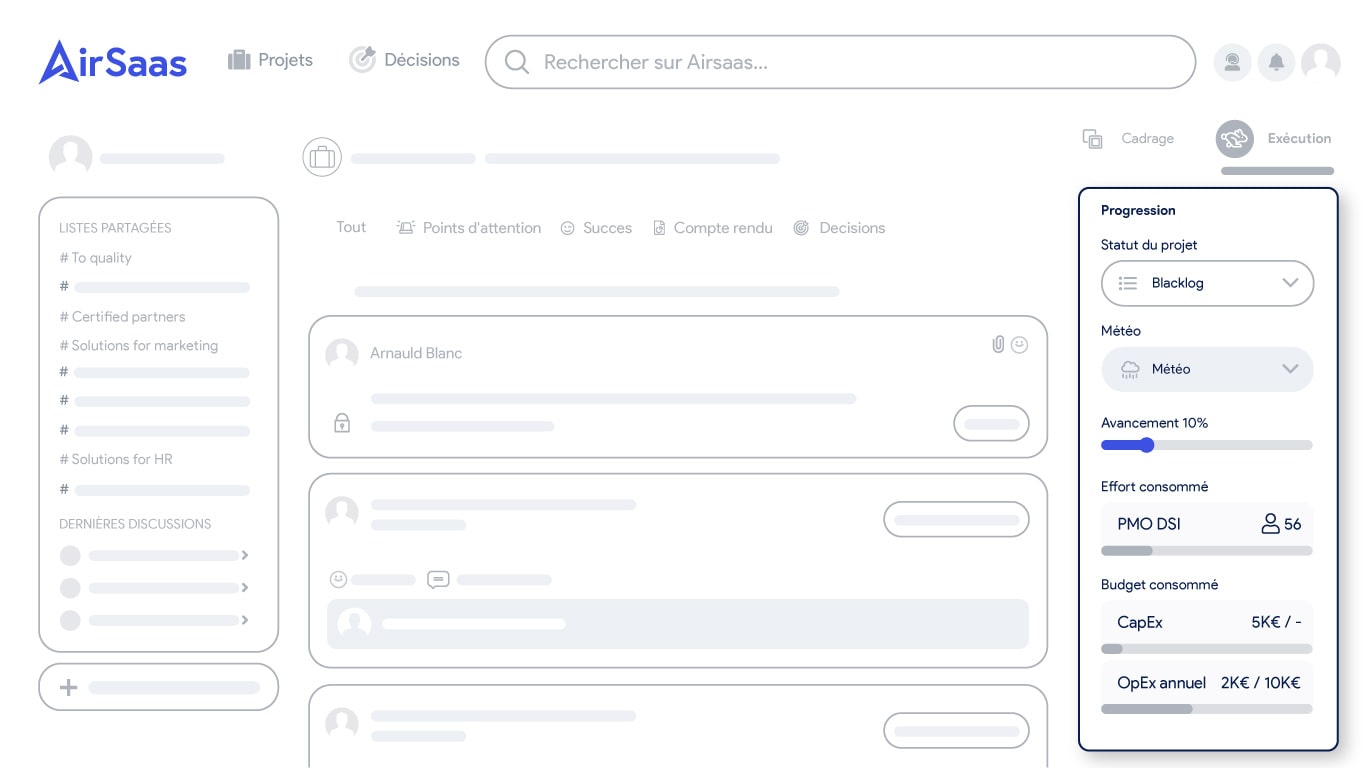
- efficiency KPIs: to track how the project is managed and check that your resources (budget, people, time) are being used optimally!
Why use KPIs?
Anyone who has ever had to manage a project knows that if you're not careful, there's a good chance you'll overshoot deadlines, blow the budget, and miss the expected quality.
And that's precisely what KPIs are for: keeping you out of that kind of situation. Thanks to them, you'll continuously know where you stand in your project's execution — on each of the aspects mentioned above, but also on anything else you want to monitor!
You're free to create your own KPIs based on your needs.
If we wanted to illustrate the value of KPIs, we could compare project management to flying a rocket.
- Like your project, a rocket's flight is divided into several phases (powered, ballistic…) and the pilot needs to know exactly when to switch from one phase to the next!
- Like your project, the pilot must control the rocket's trajectory and speed: not too slow, not too fast — right on time!
- Like your project, knowing in real time how much fuel is left is essential to avoid nasty surprises!
- Like your project, plenty of indicator lights are needed to keep the rocket running smoothly and avoid a crash!
To sum up: would you take the risk of launching a rocket without a single warning light or gauge? Well, it would be (at least) as suicidal to start steering your project — while aiming for optimal execution and profitability — without the help of performance indicators!
How to use KPIs in project management?
Criteria your KPIs must meet
If you want your KPIs to be effective and to help you steer your projects, they need to meet several criteria. A good indicator must:
- be tied to a specific objective
- be measurable throughout the project
- be time-bound, over a given period
- be simple enough for all stakeholders to understand
- be geared toward decision-making
- if possible, be tailored to the needs of your team / project
A color code for better visibility
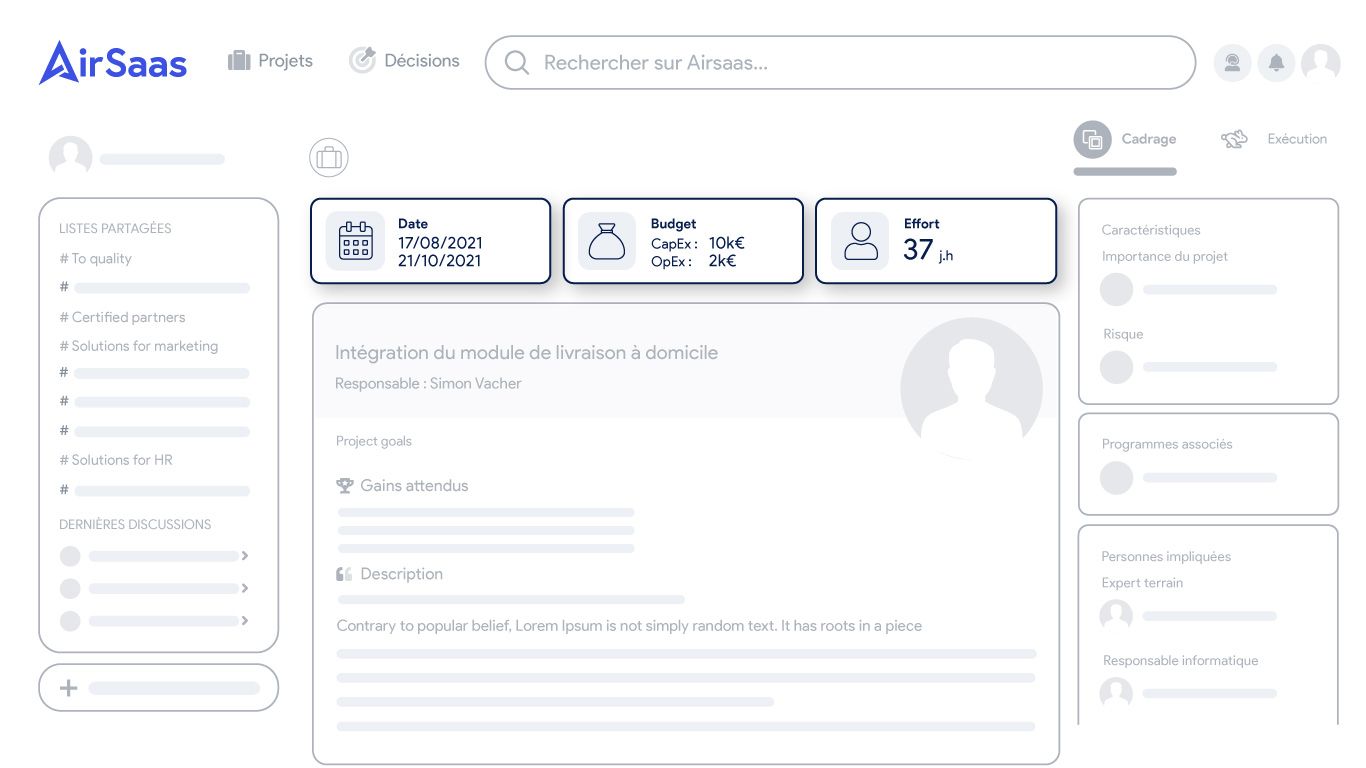
Some people like to use a color code with their key indicators. The most common one is:
- Green KPI: all good — keep up the actions that got you these results.
- Amber KPI: to be watched — it could improve just as easily as deteriorate.
- Red KPI: there's a problem — you absolutely must take action to get back on track.
The point of such a code is to make it easy to see, at a glance, every aspect of the project you measure with your KPIs. It also makes it much easier to discuss effort prioritization with your team: in one look, everyone knows which parts of the project are doing well, which need watching, and which absolutely need rethinking.
Precautions to take when rolling out KPIs
When you roll out KPIs in your project tracking, you should take a few precautions to make sure they're effective.
Organizational precautions: You need to select KPIs based on the objectives you've discussed and set with your project team. KPI adoption will be much easier if every member of your team understands their purpose.
Then, you need to assign responsibility for each objective to the right people and define the processes to track how they evolve over time. Everyone's responsibilities must be clear to avoid tensions as the project — and the KPIs — move forward.
Technical precautions: you'll need to adapt your project management infrastructure to your KPIs: the way you write your reports and the software you use must be set up to capture all the information your KPIs need. These changes can take time — and disrupt your project team: remember to brief them upfront on why it's worth shaking up their habits for the sake of the KPIs.
Cultural precautions: Working with KPIs has many consequences for the way your team works: accountability, tracking individual performance, and checking that objectives are met. Ideally, have an open discussion with your team members before rolling out the KPIs: do they like the concept? Do they understand its purpose? Do they have any concerns?
It's far better to discuss in detail everything that using KPIs implies with your project team than to discover mid-execution that some of them weren't ready to change their habits!
There are several tricks to build your team's confidence:
- build your KPIs with them
- ask them to share their concerns
- organize feedback sessions
What are the most used KPIs? Cost KPIs
- Actual cost KPI: the total actual cost of the project. You get it by adding up all expenses
- Unplanned costs KPI: all the expenses you hadn't initially planned for
- Cost of delays KPI: so you can put a number on what your delays are costing you.
- Project cost variance KPI: the difference between the project's planned cost and its actual cost
Time KPIs
- Delay rate KPI: the percentage of delays against the deadlines you had planned
- Task duration KPI: to know the average time needed to complete all your tasks
- Duration variance KPI: compare the time you spent on a task with the time you had initially planned
- Schedule variance KPI: to know whether you're behind or ahead of the overall execution timeline you had planned for the project
Quality KPIs
- Customer satisfaction KPI: there are several ways to measure it — satisfaction surveys, questionnaires, customer retention…
- Customer complaints KPI: one of the key performance indicators for the number of complaints you receive
Efficiency and project progress KPIs
- Progress rate KPI: compare the number of completed tasks with the number you had planned to know your project's progress rate.
- Time-efficiency KPI: compare the number of hours spent on the project with the number you had planned to know whether your team is efficient.
The project management dashboard and KPIs
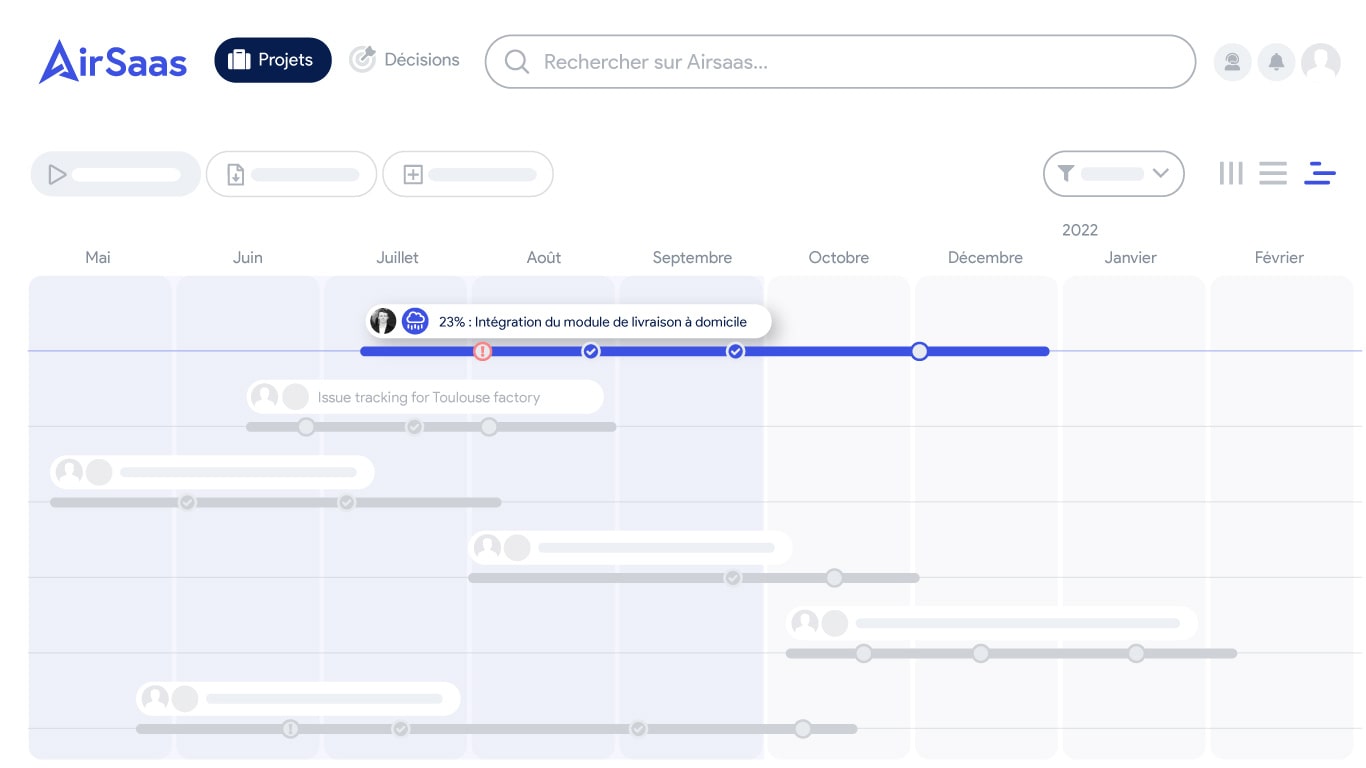
Most of the time, the KPIs you create will be brought together in a project management dashboard: tools that simplify project steering.
Project management dashboards let you measure the performance of your activity continuously, so you can optimize your project management processes. That way, you'll get the most out of your KPIs and put every chance on your side to see your projects through.
What if you took back control of your project portfolio?
Book a demo and discover the tool in 30 minutes.